
Stream Like a Pro: Tips for Optimizing Your Internet Connection

Overview
Optimize your internet connection for seamless streaming of live cricket by checking speed, using wired connections, optimizing WiFi, upgrading plans, and following best practices like disabling background apps and clearing cache. Ensure network security with strong passwords and encryption, keep devices updated, and stay informed about service outages for an uninterrupted viewing experience.
Contents
In today's digital age, streaming has become an integral part of our entertainment landscape. Whether you're tuning in to watch the IPL 2026 or catching the latest matches on Willow TV on KaroStream, a stable internet connection is essential for an uninterrupted experience. Follow these tips to optimize your internet connection for the best streaming quality, and never miss a moment of Live Cricket again!
Understanding Your Internet Connection
Before diving into the strategies for optimization, it's crucial to understand how your internet connection works. Your connection speed, stability, and bandwidth play significant roles in how well you can stream content. Whether it’s the exciting T20 World Cup 2026 matches or a nail-biting IPL 2026 game, your streaming experience depends on these factors.
1. Check Your Internet Speed
The first step in optimizing your internet connection is to check its current speed. Use online speed test tools to assess your download and upload speeds. Ideally, for smooth streaming, you should aim for at least 25 Mbps download speed for HD content and 50 Mbps for 4K. Ensure your connection is strong enough for Live Cricket broadcasts, especially during high-stakes tournaments.
2. Use a Wired Connection
Wireless connections can be convenient, but they’re also prone to interference and fluctuations. For the best streaming quality, consider using a wired Ethernet connection. This provides a more stable and consistent internet experience, ensuring that you don't experience buffering or interruptions during crucial moments of the T20 World Cup 2026.
3. Optimize Your WiFi Network
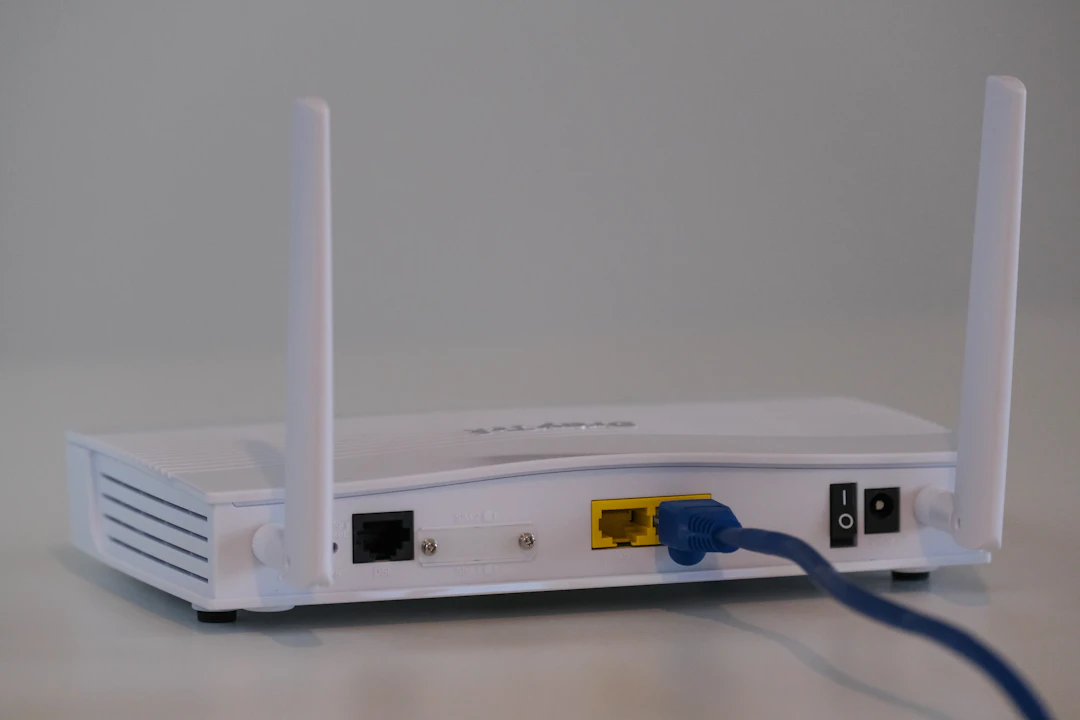
If a wired connection isn’t feasible, optimizing your WiFi network can significantly improve your streaming quality. Here are some steps to take:
Router Placement: Position your router in a central location in your home to minimize dead spots and ensure even coverage.
Update Your Router: Make sure your router’s firmware is updated to the latest version to improve performance and security.
Change WiFi Channels: Switching the channel on your router can help minimize interference from other networks.
Limit Connections: Reduce the number of devices connected to your network while streaming to free up bandwidth.
4. Upgrade Your Internet Plan
If you find that your current internet speed is insufficient for streaming, it may be time to consider upgrading your internet plan. Speak with your internet service provider about options available and choose a plan that meets your streaming needs, particularly during popular broadcasting seasons like the IPL 2026 or key matches available on Willow TV on KaroStream.
Streaming Best Practices
Once your internet connection is optimized, it’s time to implement best practices for streaming content. Here are some suggestions:
1. Choose the Right Streaming Quality
Most streaming services allow you to choose the quality of the content you are watching. If you are experiencing buffering issues, consider lowering the resolution to reduce bandwidth usage. This may not be ideal for all situations, especially when watching the T20 World Cup 2026. However, it is a temporary fix to continue enjoying the content.
2. Disable Background Applications
Close any unnecessary applications running in the background while you are streaming. Programs that consume bandwidth, such as file-sharing services or automatic updates, can significantly slow down your connection. Freeing up your internet allows you to focus solely on enjoying your favorite Live Cricket matches.
3. Clear Cache and Cookies
Over time, your web browser accumulates cache and cookies which can slow down streaming performance. Regularly clearing your browser's cache and cookies can improve load times and prevent streaming issues. This minor maintenance can make a difference when you’re excited to watch crucial football leagues or cricket tournaments.
Securing Your Connection
In addition to optimizing your speed, it’s crucial to ensure your network is secure. A secure connection not only protects your personal information but also helps maintain streaming performance.
1. Use Strong Passwords
Protect your WiFi network with a strong password. Avoid common passwords and consider using a mix of letters, numbers, and symbols. This impedes unauthorized access to your network, ensuring that everyone on your network is a trusted user when watching your favorite Live Cricket events.
2. Enable Network Encryption
Make sure your router has WPA3 (WiFi Protected Access 3) encryption enabled. This adds an extra layer of security, ensuring that your connection remains secure, especially when you're streaming important events like the T20 World Cup 2026.
3. Monitor Connected Devices
Keep track of the devices connected to your network. If there are unknown devices, disconnect them to ensure your bandwidth is not being drained. This helps maintain optimal performance during key matches available on platforms like Willow TV on KaroStream.
Maximizing Streaming Devices
Another aspect of enjoying your streaming experiences is ensuring that your devices are optimized for performance.
1. Update Your Streaming Devices
Ensure all your streaming devices, whether it’s a smart TV, streaming box, or gaming console, are updated with the latest software. These updates often include performance improvements and optimizations that can significantly enhance your viewing experience.
2. Adjust Device Settings
Review your device settings to ensure they are configured for the best streaming performance. Look for options related to network settings, such as reducing latency or optimizing bandwidth usage. Fine-tuning these settings can lead to an improved streaming experience, especially during events like the IPL 2026.
Stay Informed About Service Outages
Sometimes, streaming issues are beyond your control due to service outages. Stay informed about any known issues with your streaming service by following their official channels. This knowledge can save you frustration during crucial moments of Live Cricket.
1. Check Downdetector
Websites like DownDetector allow users to report outages in real-time. Monitoring these reports can give you insight into whether the issues you are experiencing are related to your connection or the streaming service's functionality.
2. Contact Customer Support
Don’t hesitate to reach out to the customer support team of your streaming service if you continue to experience issues. They may provide you with troubleshooting steps or inform you if there’s an ongoing outage impacting your service.
Gear Up for Epic Matches
Now that you're armed with tips to optimize your internet connection for streaming, you’re ready to dive into action and enjoy your favorite content without interruptions! Whether it's the dramatic showdowns of the IPL 2026 or the heart-pounding excitement of the T20 World Cup 2026, a reliable Internet connection will dramatically enhance your experience. So kick back, gather your friends or family, and get ready to cheer for your favorite team!
For any fan wondering where to watch cricket, make sure to check out platforms that offer comprehensive coverage of all the matches, including options like Willow TV on KaroStream. Embrace these tips, and may your streaming be as thrilling as the matches themselves!
FAQs
What is the ideal internet speed for streaming HD content?
For smooth streaming of HD content, you should aim for at least 25 Mbps download speed.
Why should I consider using a wired connection for streaming?
A wired Ethernet connection provides a more stable and consistent internet experience, reducing buffering and interruptions.
How can I optimize my WiFi network for better streaming?
To optimize your WiFi, position your router centrally, update its firmware, change WiFi channels, and limit the number of connected devices.
What should I do if I experience ongoing streaming issues?
Stay informed about service outages through websites like DownDetector and contact customer support for your streaming service if problems persist.
How can I secure my internet connection while streaming?
Use strong passwords, enable WPA3 encryption on your router, and monitor connected devices to ensure your network is secure.


Comments