
Stay on Top of the Game: How to Get Notifications for Cricket Matches

Overview
Stay updated on cricket matches with instant notifications through streaming platforms, social media, and dedicated apps. Enhance your viewing experience for major events like the T20 World Cup 2026 and IPL 2026 by setting up alerts for scores, statistics, and team updates to ensure you never miss the action.
Contents
Cricket has become a beloved sport around the globe, with millions eagerly anticipating tournaments such as the T20 World Cup 2026 and IPL 2026. Whether you are a casual observer or a die-hard fan, staying updated on cricket matches is essential for enjoying the excitement of the game. In today’s fast-paced world, we understand how crucial it is to have instant notifications about live matches, scores, and updates. In this blog, we’ll walk you through how to stay informed about cricket matches with notifications, ensuring you never miss a moment of the action.
The Importance of Staying Updated on Live Cricket
For cricket enthusiasts, knowing when their favorite teams are playing, who scored runs, and what the latest match statistics are can enhance the viewing experience tremendously. Here are some key reasons why getting immediate updates matters:
Timeliness: Notifications provide real-time updates about runs, dismissals, and other match events, keeping you in the loop.
Excitement: Instant alerts add to the thrill of not just watching the game but also following along live, even when you cannot tune in.
Engagement: It helps you engage with friends or on social media during the match, sharing thoughts and reactions as events unfold.
How to Set Up Notifications
Now that you understand the importance of staying updated, let’s look at how to set up notifications for cricket matches effectively:
1. Use Cricket Streaming Platforms
Many cricket streaming platforms like Willow TV on KaroStream offer built-in notification features. You can allow the app to send you alerts about various matches, including schedules, scores, and team information:
Download the KaroStream app.
Log in and navigate to the settings option.
Enable notifications for your favorite teams and tournaments.
You can always refer to the article Stay Ahead Of The Game How To Stay Updated On Live Matches With Karostream Notifications for a detailed guide.
2. Follow Official Social Media Accounts
Another effective way to receive updates is through social media. By following cricket boards, teams, and official broadcasters on platforms like Twitter, Instagram, and Facebook, you’ll get instant notifications about live matches and important news. Here's what you can do:
Turn on post notifications for specific teams.
Join cricket-related groups and forums to receive updates.
3. Mobile Applications
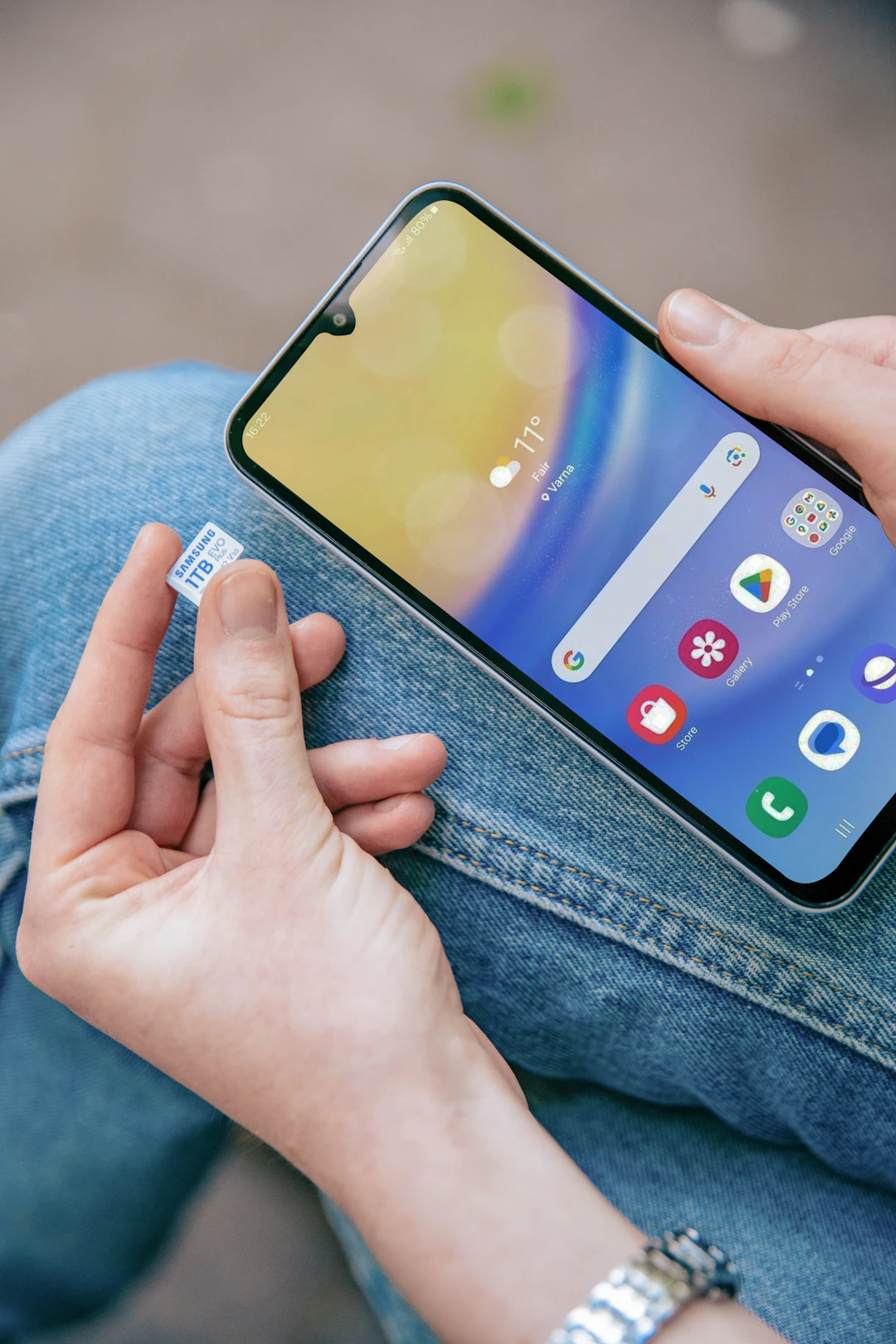
Downloading dedicated cricket apps can take your notifications to the next level. Applications like Cricbuzz and ESPN Cricinfo not only offer news updates but also provide live commentary and ball-by-ball updates. Follow these steps:
Install your preferred cricket app.
Create an account and select notification preferences.
Set your favorite teams and players for tailored updates.
For more information on how to get the most out of cricket streaming, consider checking this guide Stream Live Cricket Matches On Karostream Your Ultimate Guide.
How Notifications Enhance Viewing Experience
Utilizing notifications on multiple platforms can significantly enhance your cricket viewing experience. Here’s how:
Stay Engaged Anywhere
With notifications sent directly to your mobile device, you can keep updated even when on the move. Whether commuting, working, or simply multitasking, timely alerts will ensure you don’t miss significant match moments.
Join the Conversations
Social media updates allow fans to interact with one another. Whether it’s cheering a boundary or lamenting a wicket, getting notifications fosters a sense of community. You can join live discussions, share opinions, and celebrate with other fans in real-time.
Enhance Your Game Strategy
For avid fans who enjoy analyzing the strategies behind matches, notifications from dedicated cricket analytics platforms can give insights into players' performances. Knowing when key players are batting or bowling allows you to pay closer attention and analyze the game dynamics as they evolve.
Special Events: T20 World Cup 2026 and IPL 2026
The T20 World Cup 2026 and IPL 2026 are set to be thrilling spectacles that cricket fans will not want to miss. To stay engaged:
Mark your calendars for match dates.
Adjust your notification preferences to ensure you receive alerts around these key events.
Join special watch parties organized either online or in person for a communal experience.
This preparation will guarantee you are always in the loop and ready to watch when your favorite teams take the field!
Improve Your Cricket Setup
If you're serious about enhancing your cricket viewing experience, consider investing in devices tailored for streaming. A product like the Desi Tablet allows you to stream thousands of hit Bollywood classics while keeping the cricket action alive. It’s an excellent choice for fans who crave entertainment beyond the pitch.
Wrapping Up Your Cricket Journey
Staying updated on cricket matches through notifications is a game-changer for fans. By leveraging technology through apps, social media, and dedicated platforms, you can immerse yourself in the excitement of live matches. As major tournaments like the T20 World Cup 2026 and IPL 2026 approach, now is the perfect time to set up your notifications and prepare for thrilling encounters on the field. Remember, in the world of cricket, staying ahead means you get the best of the action when it counts!
Check out these products to enhance your cricket viewing experience. Desi Tablet.
Related Products
Desi Tablet - $300 - No DVD, No Problem, Stream Thousands of the Hit bollywood classics with the Desi Tablet. Access to Desi Tablet will only cost you $5.99/ MonthTh...
FAQs
Why is it important to get notifications for cricket matches?
Getting notifications for cricket matches is important because it keeps you updated in real-time about runs, dismissals, and match events, enhancing the overall viewing experience.
How can I set up notifications for cricket matches?
You can set up notifications by using cricket streaming platforms like KaroStream, following official social media accounts of cricket boards and teams, or downloading dedicated cricket applications like Cricbuzz or ESPN Cricinfo.
What cricket streaming platform offers built-in notification features?
KaroStream offers built-in notification features that allow users to get alerts about various matches, including schedules, scores, and team information.
How do social media notifications enhance the viewing experience?
Social media notifications enhance the viewing experience by allowing fans to interact with one another, share opinions, celebrate moments, and join live discussions during matches.
What are some tips for staying updated during major cricket events like T20 World Cup 2026?
To stay updated during major events like the T20 World Cup 2026, mark your calendars for match dates, adjust your notification preferences, and join special watch parties for a communal experience.
Comments