
Unlock Seamless Streaming: Tips for Optimizing Your Wi-Fi

Overview
Optimize your Wi-Fi for seamless streaming of live cricket events like the T20 World Cup and IPL 2026 by understanding bandwidth and speed, positioning your router correctly, using QoS settings, considering wired connections, and ensuring your devices are updated. Upgrade your internet plan if necessary, and consider Wi-Fi extenders or mesh networks for better coverage. Secure your network for reliable performance.
Contents
In today’s digital age, having a reliable and high-speed Wi-Fi connection is crucial, especially for those who love to enjoy live streaming events like the T20 World Cup 2026, or the highly anticipated IPL 2026. If you’re among the many fans questioning where to watch Cricket with the best experience, look no further than optimally setting up your Wi-Fi. Follow our comprehensive guide to enhance your streaming experience for platforms like Willow TV on KaroStream.
Understanding Bandwidth and Speed
Bandwidth and speed are the two primary performance indicators of any internet connection. Bandwidth refers to the amount of data that can be transported in a given amount of time. Speed, on the other hand, indicates how quickly that data transfers. A slower connection can lead to buffering, lagging, and a less enjoyable streaming experience. To optimize your Wi-Fi for seamless streaming, ensure you are aware of your connection's bandwidth and speed.
Run a Speed Test
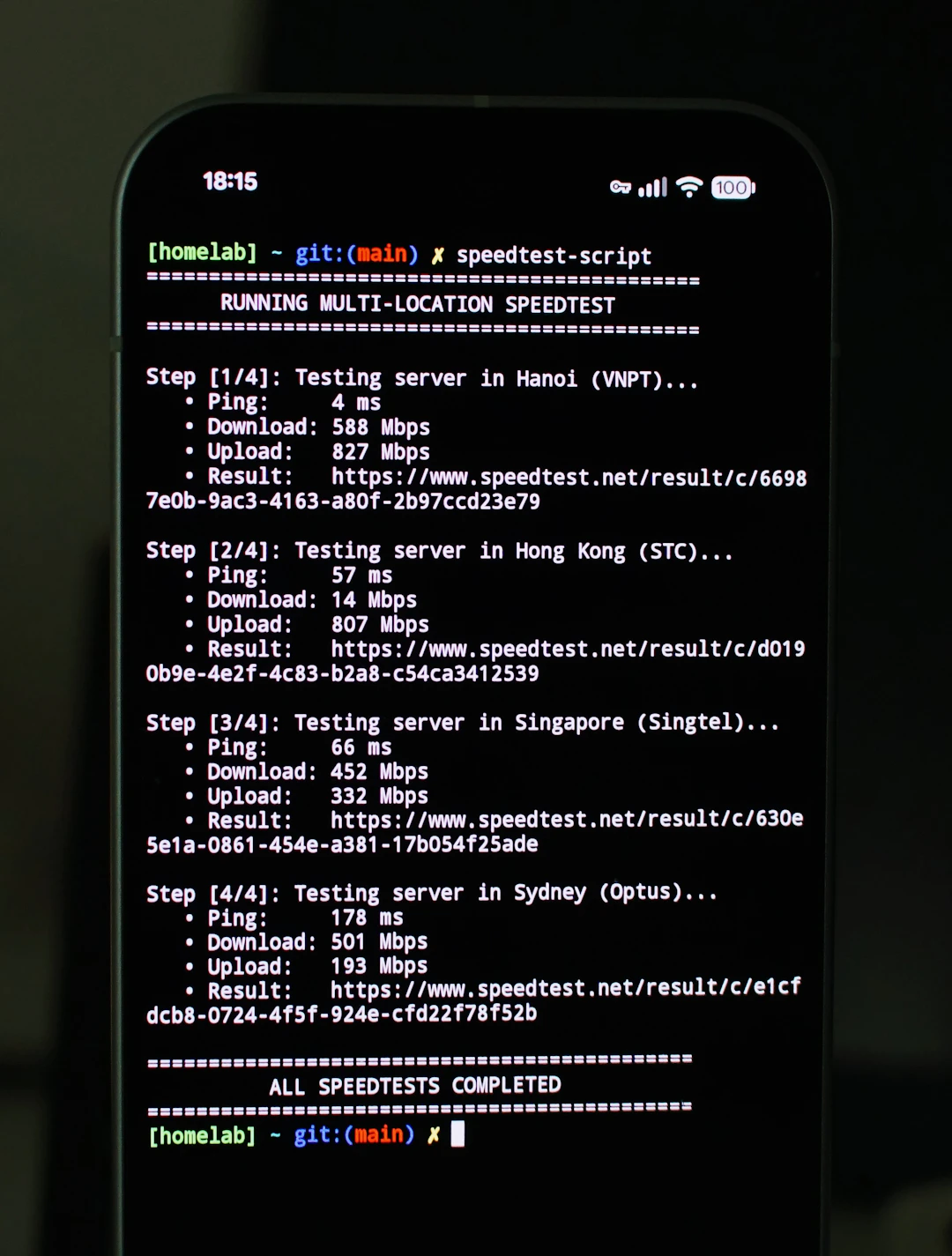
Before you make any adjustments, start by running a speed test. There are various websites and applications available that can help you evaluate the speed of your internet connection. A good starting point is to check if your speed aligns with the recommended speeds for streaming:
Standard Definition (SD): 3 Mbps
High Definition (HD): 5-10 Mbps
4K Ultra HD: 25 Mbps or higher
Once you have this information, you can begin to make any necessary adjustments to improve your experience.
Router Placement and Settings
Next to bandwidth and speed, the physical placement of your router plays a significant role in the quality of your Wi-Fi signal. Follow these tips to position your router for optimal performance:
Find the Right Spot
To ensure maximum coverage, try to place your router in a central location within your home. Avoid enclosed spaces like cabinets or basements. Ideally, it should be situated on a high shelf or a corner of the room to spread the signal further.
Consider the Hardware
Sometimes, settings within your router can affect your streaming capabilities. Access your router’s settings panel by entering the IP address into your web browser. Go through the following steps:
Terminate any unused connections:
Examine the devices currently connected to your network. Disconnect devices that are not in use which can clogs your bandwidth.
Change the frequency band:
Most routers operate on either 2.4 GHz or 5 GHz frequencies. While 2.4 GHz offers broader coverage, the 5 GHz band delivers higher speeds. If you have a dual-band router, switching to 5 GHz may provide better performance.
Use Quality of Service (QoS)
Quality of Service, or QoS, is a setting available on some routers that prioritizes the bandwidth for specific applications or devices. By enabling QoS, you can ensure that your streaming service has the necessary bandwidth even when multiple devices are connected to your network.
Consider Wired Connections
For the ultimate streaming experience, consider using an Ethernet cable to connect your streaming device directly to the router. Wired connections offer a more stable and faster internet connection compared to Wi-Fi. This could be particularly beneficial when streaming live events, including major cricket tournaments.
Upgrade Your Internet Plan
If you frequently experience issues with buffering and slow loading times, it might be time to upgrade your internet plan. Download and upload speeds can vary greatly depending on your service provider. Ensure you're subscribed to a plan conducive to streaming, especially if live sports, like the T20 World Cup 2026, are a key element of your entertainment.
Device Settings and Updates
It's essential to ensure that your streaming devices are optimized for the best performance. Regular software updates on your devices can make a significant difference in maintaining efficient operation.
Keep Devices Updated
Check for firmware updates on your streaming devices, as manufacturers often improve performance and fix bugs through updates. Whether you're using a smart TV, tablet, or gaming console for streaming, keeping the software current can significantly enhance your experience.
Optimize Streaming Quality Settings
Many streaming platforms allow you to adjust video quality based on your internet speed. Opt for a quality setting that balances performance and experience—if buffering occurs, consider lowering the video quality temporarily.
Are you a die-hard fan planning on hosting a watch party? Prepare your home for seamless live cricket streaming with friends using the Creating Exciting Watch Parties For Live Cricket Streaming On Karostream blog, where you can find tips tailored for group viewings!
The Role of Extenders and Mesh Networks
If you find your Wi-Fi signal is still spotty despite optimizing your router settings, consider investing in a Wi-Fi extender or a mesh network. These devices can effectively boost your Wi-Fi signal throughout your home, ensuring smooth streaming in even the most remote corners.
Wi-Fi Extenders
Wi-Fi extenders increase the coverage area of your existing network. They're relatively easy to set up and can significantly improve your connection in hard-to-reach spots. This solution is ideal if certain areas in your home consistently experience slow speeds.
Mesh Networks
For a more comprehensive solution, consider a mesh network. This system uses multiple devices working together to create a blanket of Wi-Fi coverage across your home. This not only enhances your connection but provides a more reliable streaming experience overall.
Security Measures for a Reliable Connection
Another vital aspect of optimizing your Wi-Fi network lies in its security. A poorly secured network can slow you down or lead to unauthorized usage. Here’s how you can secure your network:
Use a strong password:
Never use default passwords. A strong, unique password is your first line of defense.
Disable guest networks:
If not in use, disable any guest networks which can unnecessarily open your bandwidth to multiple users.
Your Ultimate Streaming Experience Awaits!
By implementing these tips, you can greatly enhance your Wi-Fi connection and enjoy seamless streaming for all your favorite sporting events, including IPL 2026. With an optimized Wi-Fi setup, you can fully enjoy platforms like Willow TV on KaroStream, without interruptions.
For an incredible viewing experience, consider integrating devices designed for streaming, such as the Desi Tablet, that allows you to stream thousands of hit Bollywood classics with ease.
So, grab your favorite snack, gather your friends, and get ready to cheer for your team with a perfect streaming setup!
Enhance your streaming experience with these great products. Desi Tablet.
Related Products
Desi Tablet - $300 - No DVD, No Problem, Stream Thousands of the Hit bollywood classics with the Desi Tablet. Access to Desi Tablet will only cost you $5.99/ MonthTh...
FAQs
What are the key tips for optimizing Wi-Fi for streaming sports events like the T20 World Cup 2026?
To optimize your Wi-Fi for streaming, ensure you have adequate bandwidth and speed, place your router in a central location, utilize Quality of Service (QoS) settings, consider wired connections, and keep your devices updated.
What should my internet speed be for smooth streaming of different qualities?
For standard definition (SD) streaming, you need at least 3 Mbps; for high definition (HD), 5-10 Mbps; and for 4K Ultra HD, 25 Mbps or higher.
How can I improve my Wi-Fi signal if I experience slow connectivity in certain areas of my home?
You can improve your Wi-Fi signal by using Wi-Fi extenders to increase coverage or investing in a mesh network for a more comprehensive solution.
What security measures should I take to ensure a reliable internet connection?
To secure your network, use a strong, unique password and disable guest networks if they are not in use to prevent unauthorized access.
Why is it important to keep my streaming devices updated?
Regular software updates on your streaming devices can enhance performance, fix bugs, and provide a better overall streaming experience.


Comments